project-cli Scaffolder
Intent-Based Next.js Project Scaffolder
CLI Terminal Simulator
┌ project-cli v1.3.2 — Intent-based Next.js Scaffolder
? What is your project name? my-landing-page
? Select project blueprint: Website Starter
? Include SEO Meta Starter files? Yes
? Include Contact Form Component? Yes
✔ Next.js base app initialized
✔ Applied Website Blueprint (Hero, Footer, Contact UI, Meta Tags)
★ Project ready in ./my-landing-page!
About The Project
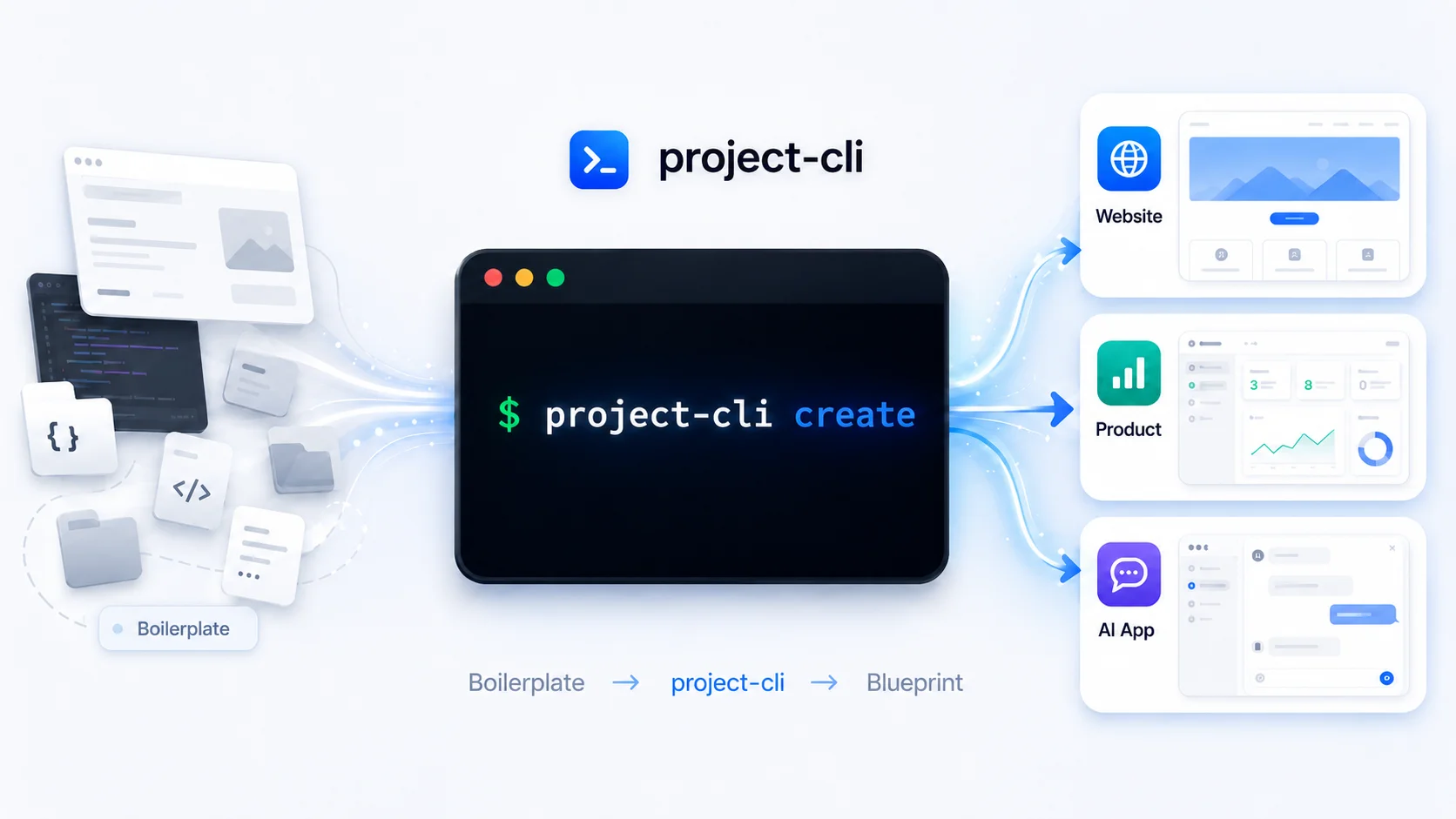
project-cli is an open-source TypeScript CLI tool that helps developers generate production-shaped Next.js starter projects from project intent.
Started in June 2026, the project was released as a usable open-source developer tool and continues under active maintenance, with future improvements planned over time.
Instead of only asking low-level framework setup questions, the CLI asks what kind of project the developer wants to build first. Based on that answer, it creates an official Next.js base project and applies a tailored blueprint structure with relevant files, folders, modules, and next steps.
The goal of the project was to reduce the repetitive setup work developers face at the beginning of every new project: deleting placeholder files, recreating folder structures, wiring up common tools, preparing environment files, adding CI, and rebuilding the same starter patterns again and again.
The Problem
Traditional scaffolding tools usually start with framework configuration. They help create a base app, but they do not solve the next layer: shaping the project around the actual product being built.
A landing page, SaaS dashboard, and AI chat app may all use Next.js, but they need very different starting points. Starting from the same blank structure forces developers to manually rebuild the same project-specific architecture every time.
project-cli was built to solve that gap by starting with developer intent instead of only framework setup.
The Solution
project-cli guides the developer through an intent-based CLI flow.
The flow asks for:
- ■Project name
- ■Project blueprint
- ■Blueprint-specific shape
- ■Relevant optional modules
- ■Whether to install dependencies
After that, it creates a Next.js base project, applies custom blueprint files, adds optional feature modules, and prints clear next steps for the developer.
Current blueprints:
- ■Website
- ■Full-stack Product
- ■AI App
Blueprint System
The blueprint system is the core idea behind project-cli.
The Website blueprint is designed for landing pages, portfolios, business websites, and documentation-style websites. It can generate pages, layout components, SEO starter files, contact form placeholders, GitHub Actions CI, and optional Docker files.
The Full-stack Product blueprint is designed for SaaS starters, dashboards, admin-style apps, and custom full-stack products. It generates dashboard structure, API route placeholders, optional Prisma/PostgreSQL and Redis setup, Docker files, GitHub Actions CI, and environment configuration. Note: the three sub-shape options currently produce the same generated structure — the distinction is tracked internally for future differentiation, not yet reflected in different output.
The AI App blueprint is designed for AI-first applications such as chat apps, AI assistants, and content generators. It generates chat UI components (Chat, MessageList, ChatInput), an /api/chat route placeholder with response validation, and AI configuration helpers. The generated route returns a static placeholder response with an inline comment directing the developer to connect their own AI provider — it is not pre-wired to OpenAI, Anthropic, or any other provider.
Key Features
- ■Intent-based CLI project generation
- ■Website, Full-stack Product, and AI App blueprints
- ■Blueprint-specific folder structures
- ■Blueprint-specific pages and components
- ■Optional Prisma + PostgreSQL setup
- ■Optional Redis setup
- ■Optional Docker and Docker Compose files
- ■Optional GitHub Actions CI workflow
- ■SEO starter files for website projects
- ■Contact form UI placeholder for website projects — frontend markup only; no form submission handling, API route, or backend wiring is generated
- ■API route placeholders for app projects
- ■AI chat starter structure for AI apps
- ■Environment example file support
- ■npm package publishing
- ■Open-source GitHub repository
- ■MIT license
Engineering Focus
Because project-cli writes files to a user's machine and shells out to npm/npx during generation, the implementation needed real safeguards, not just careful intentions.
Path containment is enforced everywhere the tool writes to disk: every target path is resolved and compared against the project root using path.relative() rather than a naive string-prefix check — path.startsWith() would incorrectly treat a sibling folder like my-project-evil as being inside my-project, since the string literally starts that way.
Subprocess execution differs deliberately by platform. On macOS and Linux, commands run with shell: false, so there is no shell process present to interpret special characters at all. On Windows, npm/npx are batch files that the OS can only execute through cmd.exe, so the tool explicitly spawns the command processor and relies on a character denylist to block injection attempts, rather than the shell-free guarantee available on other platforms.
Real-world testing surfaced two genuine issues during release: an npm registry name collision discovered just before the first public publish (the original package name was already claimed by an unrelated, abandoned project), and a Node.js compatibility bug found while testing on an older Linux environment, caused by a dependency requiring util.styleText, a Node API unavailable before v20.12.
Usage
Developers can install the CLI globally:
npm install -g @supunkalharajayasinghe/project-cliproject-cli createThey can also run it without installing:
npx @supunkalharajayasinghe/project-cli createThe CLI then walks through the project setup flow and generates a tailored Next.js starter based on the selected blueprint.
Optional Modules
project-cli supports optional modules that can be applied depending on the selected blueprint.
Prisma + PostgreSQL adds:
- ■prisma/schema.prisma
- ■src/lib/db.ts
- ■.env.example
- ■Database-related npm scripts
Redis adds:
- ■src/lib/redis.ts
- ■REDIS_URL in .env.example
Docker adds:
- ■Dockerfile
- ■docker-compose.yml
GitHub Actions adds:
- ■.github/workflows/ci.yml
The generated workflow runs install, lint, typecheck, and build steps.
Current Limitations
This version focuses on the first stable intent-based scaffolder flow.
Not included yet:
- ■Authentication implementation
- ■Payment integration
- ■Full UI component library
- ■Deployment automation
- ■Backend API blueprint
- ■TypeScript package / CLI blueprint
- ■Plugin system
- ■Dry-run mode
- ■Full-stack Product sub-shapes do not yet generate differentiated output
- ■Contact form has no backend submission handling (UI only)
These can be added in future versions.
Key Learnings & Impact
Building project-cli improved my understanding of CLI UX, project scaffolding, developer workflows, package publishing, and documentation.
Following its successful public release in June 2026, building project-cli improved my understanding of CLI UX, package distribution, developer workflows, and release preparation. The tool continues to be actively maintained and updated with new features based on community feedback.
Explore the Open Source Codebase
Published under MIT License on npm & GitHub. Read the full engineering article on Medium.